
Brief it like a designer. Keep the layered file.
Say what you need made — a logo, an infographic, a business card, a poster — and it is built to the rules that kind of work has. What comes back is not a picture: it is an open, layered document you can edit in your browser and open in Adobe Photoshop with the text still editable.
No sign-up to try · No credit card required
Ask for it the way you'd ask a designer
Say what you need made and it is built to the rules that kind of work has — a logo gets clear space, a business card gets print margins, an infographic gets real charts.
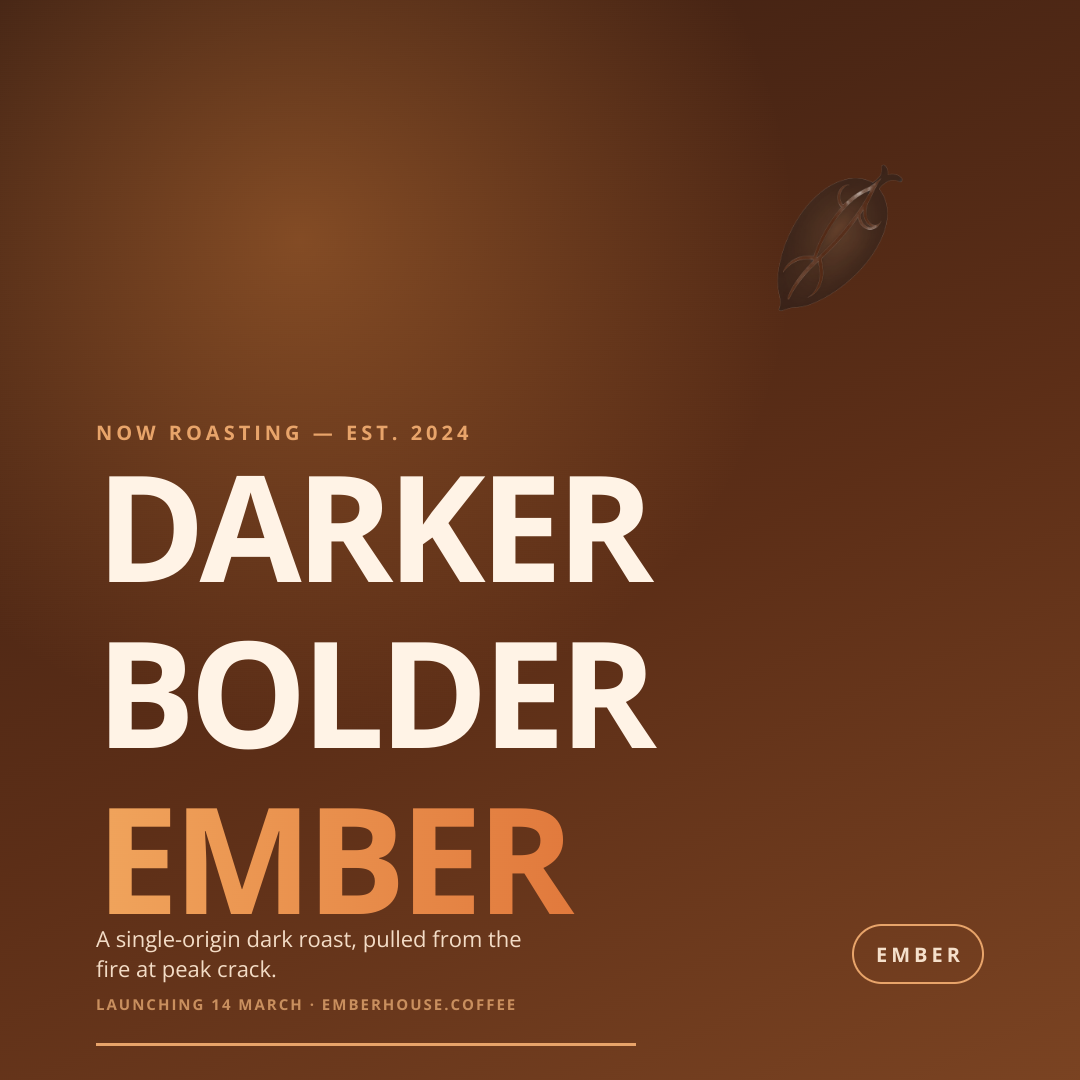
A design
Posters, social posts, banners, ads
e.g. “a bold launch poster for a coffee brand, warm tones, big headline, small logo bottom-right”
Start this →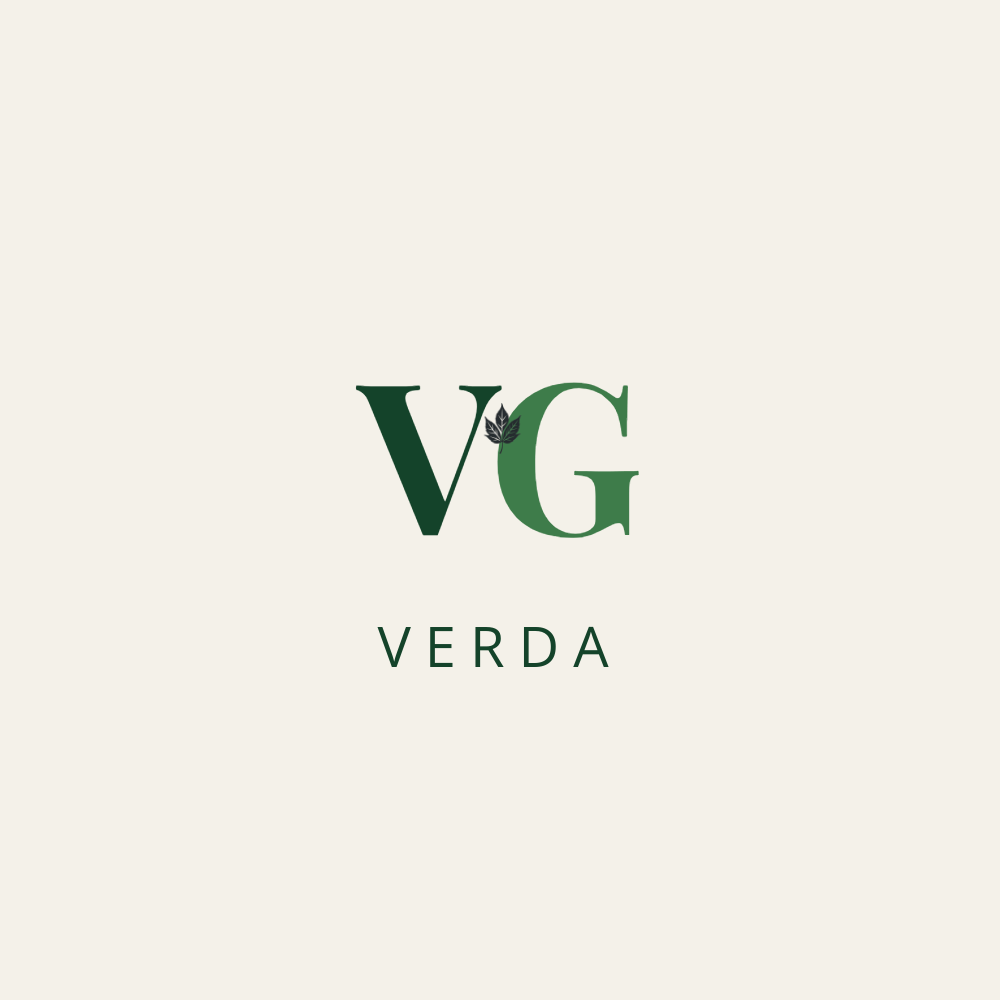
A logo
A mark and a wordmark, with clear space
e.g. “Verda, a plant nursery and garden studio — calm, botanical, deep green”
Start this →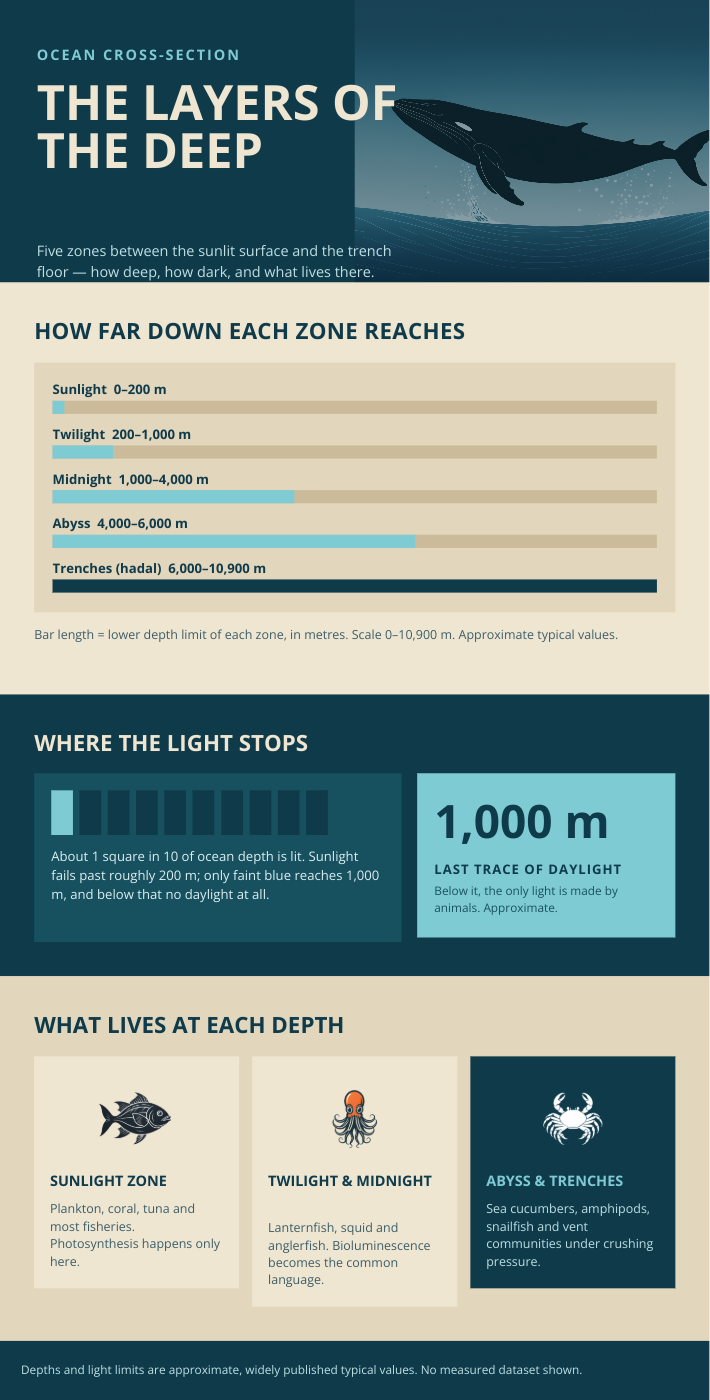
An infographic
Charts, steps, timelines — data made readable
e.g. “how our onboarding works, five steps, 12 min average, 94% completion — clean and corporate”
Start this →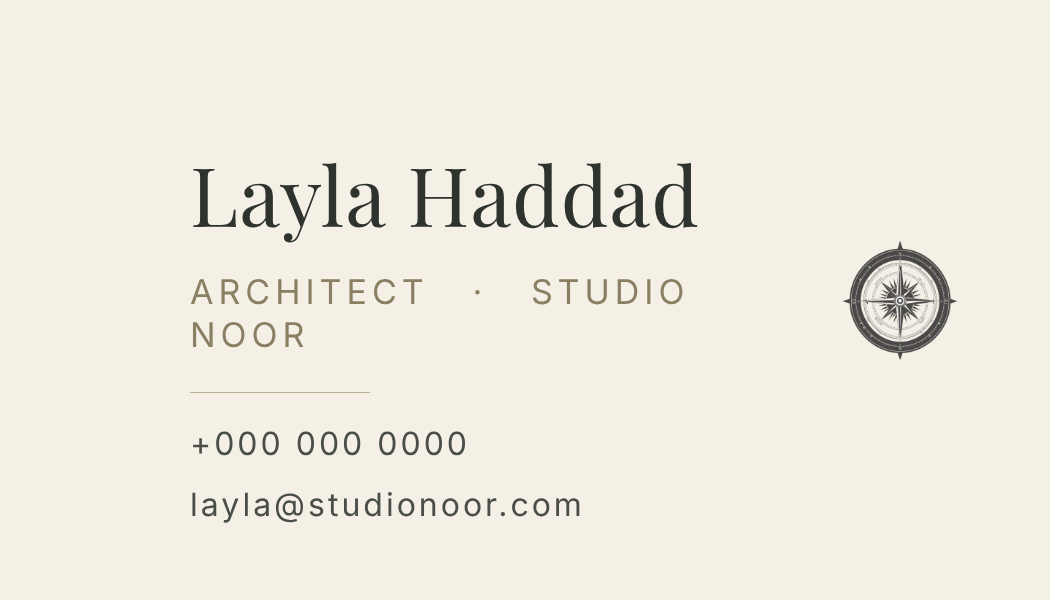
A business card
Print-ready, one side, real margins
e.g. “Layla Haddad, architect at Studio Noor — ivory, thin serif, phone and email only”
Start this →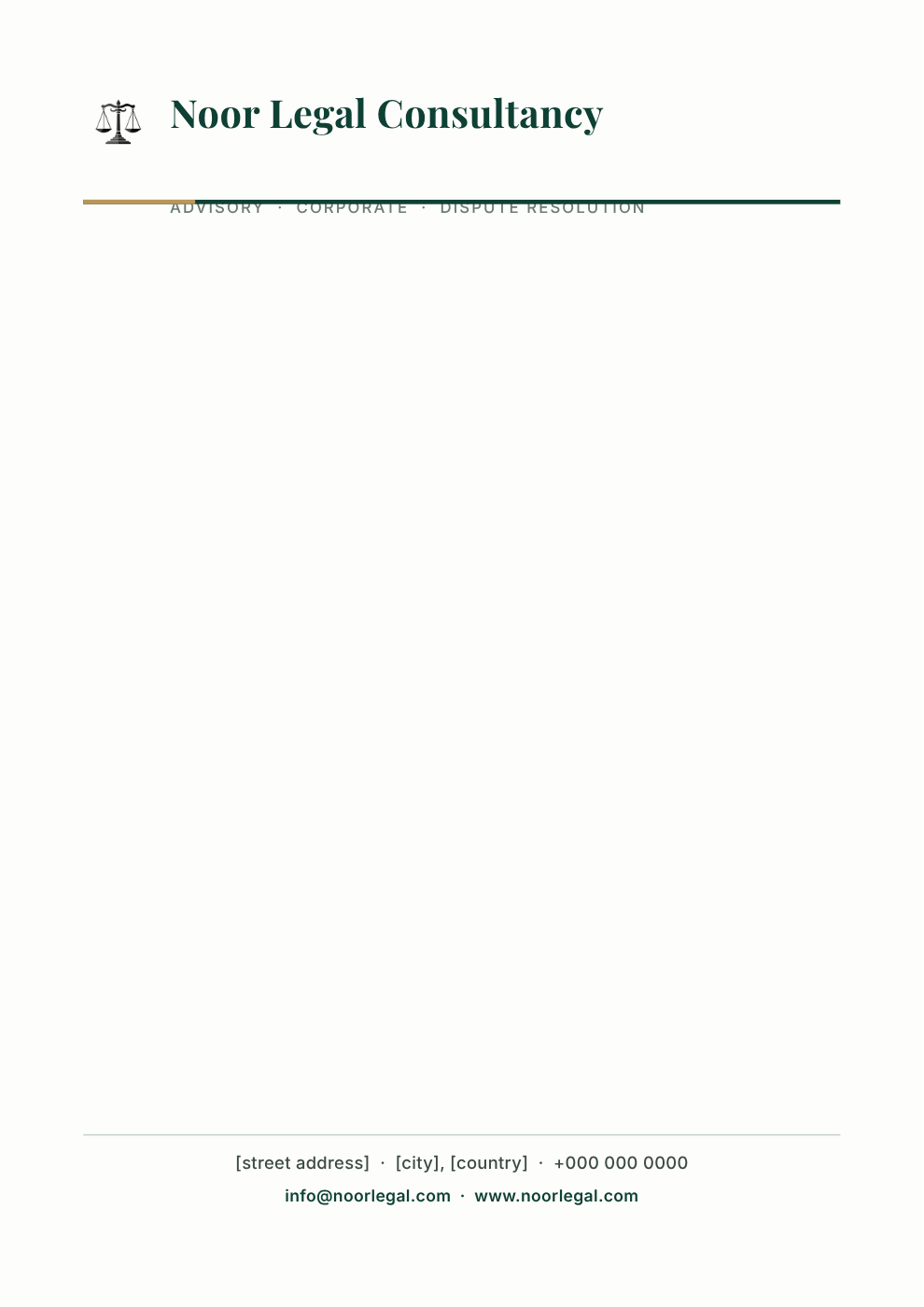
Business stationery
Letterhead, invoices, document headers and footers
e.g. “letterhead for Noor Legal Consultancy — deep green rule, address footer, room to type a letter”
Start this →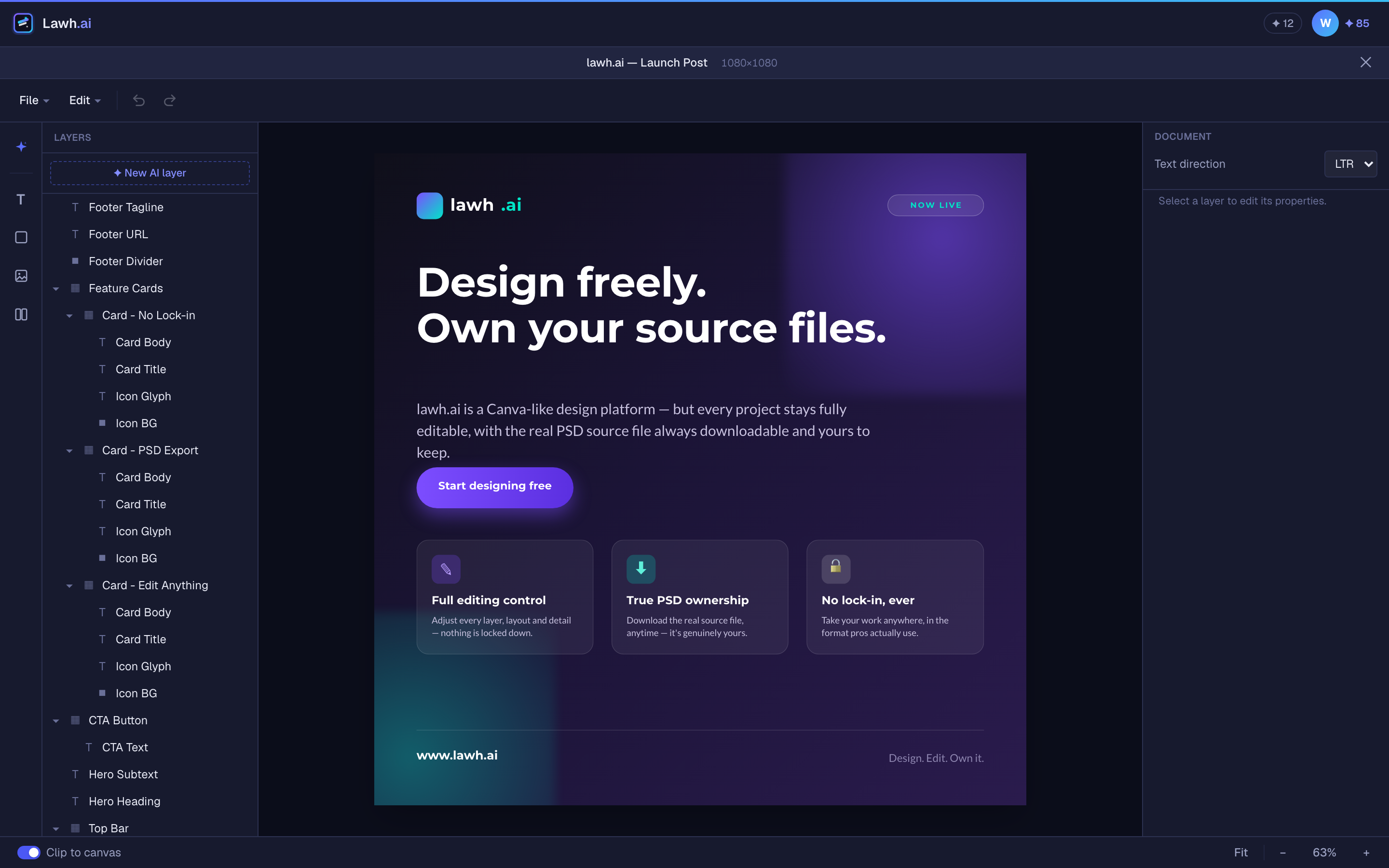
A real, layer-based editor
Every element is a named, editable layer — move, restyle, and refine, or ask the AI.
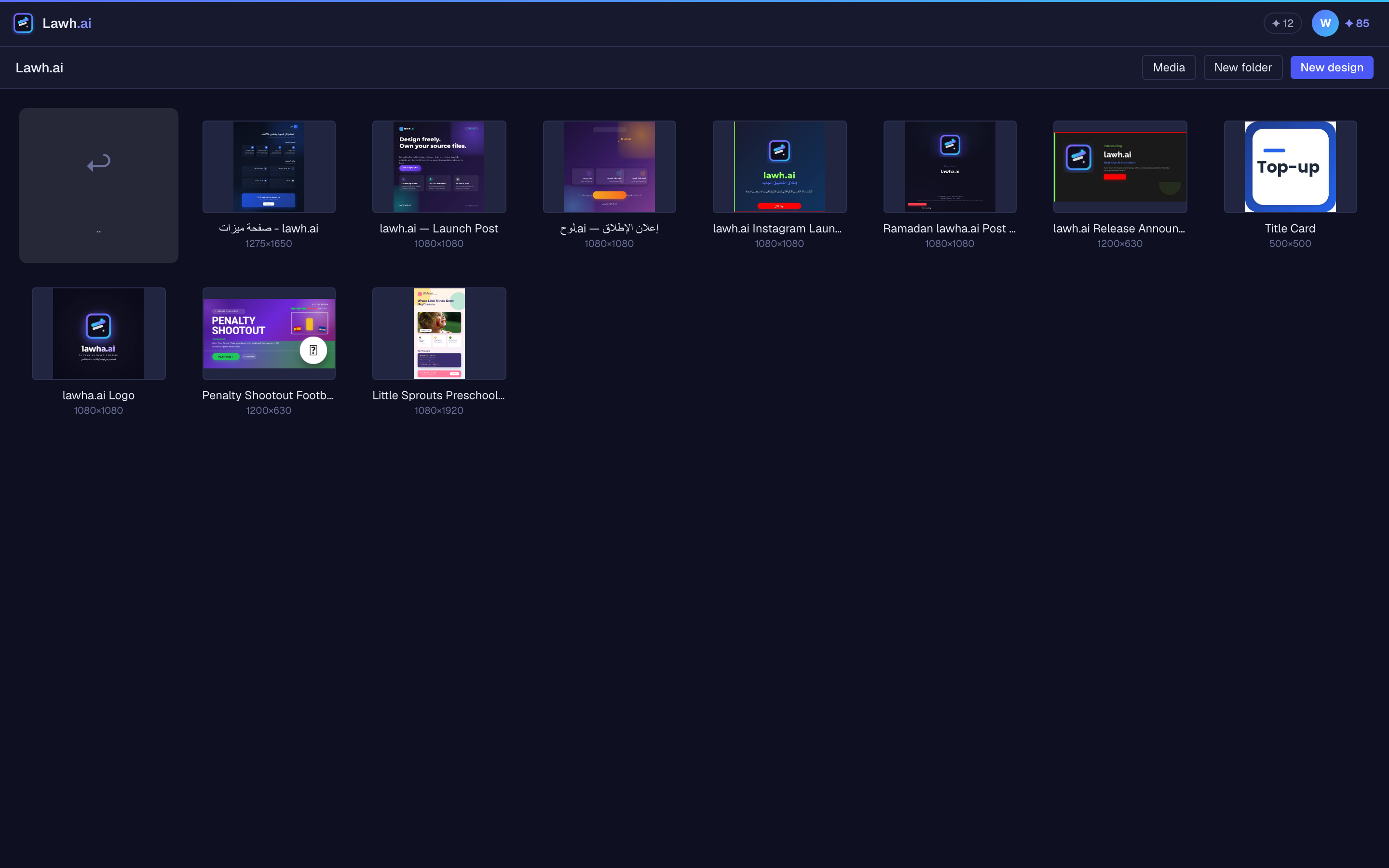
Start from a template
Hand-made designs in English and Arabic. Take the layered PSD free, or open one in the editor and make it yours.
An AI design generator that hands you the source file
Generate a poster, a social post or a logo, edit every layer in the browser, and export a layered PSD — or convert an image you already have into layers.
Layers, not pixels
Every headline, shape, and photo is its own named layer with real coordinates — nothing is baked into a picture you can never take apart again.
Export a layered PSD
A Photoshop file with every layer separate and live text you can still retype — fonts, tracking and colour intact. Not a flat image in a .psd wrapper.
Export vector for IllustratorBeta
An .ai file where shapes stay vector and text stays text — scale it to a billboard or retype a headline, with nothing flattened.
Convert a PNG or JPEG into editable layersBeta
Upload a design that only exists as an image and get it back as real layers: objects cut out onto their own layers, flat panels redrawn as shapes you can recolour, and type a font can reproduce set as editable text.
AI logo generator
Ask for a logo and get a logo: a mark drawn for that name, a wordmark you can retype, and real clear space — never a headline with a tagline under it.
Edit by hand or by prompt
Drag it yourself in the browser editor, or select one layer and ask the AI to change only that. Nothing is locked or flattened.
Your brand, your assets
Upload logos and product shots and save your palette; the AI places the right one instead of inventing one.
Arabic and RTL, done properly
Joined letters, mirrored layouts, and real editable Arabic text — not a picture of Arabic.
An AI image generator gives you a picture. Lawh.ai gives you the source file.
Same prompt, same seconds of waiting — a completely different thing at the end of it.
Keep your tools. Add the AI.
Lawh.ai is not somewhere your work goes to get stuck. Every design leaves as a file the software you already use can open.
Design straight from your chat
Connect Lawh.ai and just ask. The assistant does the designing; Lawh measures the text, computes the layout, and saves a real layered file to your account — ready to edit or export as a PSD.
Designs made this way don’t use your Lawh AI credits, because the assistant does the generating.
- 1In Claude, open Settings → Connectors → Add custom connector.
- 2Paste the server URL below and press Connect.
- 3Sign in to Lawh and approve. That’s it — no API key, no config.
https://lawh.ai/api/mcpMade for every kind of design
From a quick social post to a full campaign — Lawh.ai adapts to whatever you’re making.
Social media
On-brand posts and stories for Instagram, X, and LinkedIn.
Marketing & ads
Banners, promos, and campaign visuals that stay on-brand.
Posters & flyers
Event posters and print-ready flyers without a designer.
Presentations
Title slides and cards that look designed, not templated.
From a sentence to a source file
Describe
Type what you want in plain language — a topic, a vibe, a few words.
Generate
The AI builds a complete, layer-based design tailored to your prompt.
Keep the file
Tweak any layer, then download a PNG — or a Photoshop file that opens with its layers intact.
Frequently asked questions
Can I export an AI design as a layered PSD?+
Yes. Every design downloads as a Photoshop file (.psd) with each element on its own named layer and the text still live — you can retype a headline in Photoshop, not paint over it. There is also an Illustrator (.ai) export in beta where shapes stay vector.
How do I convert a PNG or JPEG into editable layers?+
Upload the image in the app and Lawh.ai takes it apart: objects are cut out onto their own layers, flat panels are redrawn as shapes you can recolour, and type that a font can reproduce comes back as editable text. It is in beta — flat designs come apart cleanly, photographs and heavy effects are harder.
Can Lawh.ai generate a logo?+
Yes, and it generates a logo rather than a small poster: a mark drawn for that specific name, a wordmark you can retype in any font, and real clear space around the lockup. The mark arrives as its own layer, so you can swap or recolour it without regenerating anything else.
Does Lawh.ai support Arabic and right-to-left layouts?+
Arabic is first-class, not an afterthought. Letters are properly joined, the layout mirrors to right-to-left, and the words stay as real editable text — not an image of Arabic. The whole interface is available in Arabic too.
Can I edit the design after the AI generates it?+
That is the point. Open it in the browser editor and move, restyle, group, lock, or retype any layer by hand — or select one layer and ask the AI to change just that. Nothing is flattened and nothing is locked.
Get your first layered file today
Describe a design, open it in the editor, and download a Photoshop file you can hand to any designer.
Try Lawh.ai free