AI design with real layers — and a PSD you can open
Generate designs and logos from a prompt, convert a flat image back into layers, edit every layer in the browser, and export a layered Photoshop file with the text still editable.
AI design generator: from a sentence to a finished design
Describe a poster, a social post, or a marketing visual in plain language and get a complete, balanced composition in seconds — real typography, deliberate spacing, and an on-brand palette. When a design genuinely wants a photograph or an illustration, it generates one rather than filling the space with a coloured block.
- ✓ Prompt in any language
- ✓ 12-column grids computed for you
- ✓ Generated artwork where a design needs it
Layers, not a flattened picture
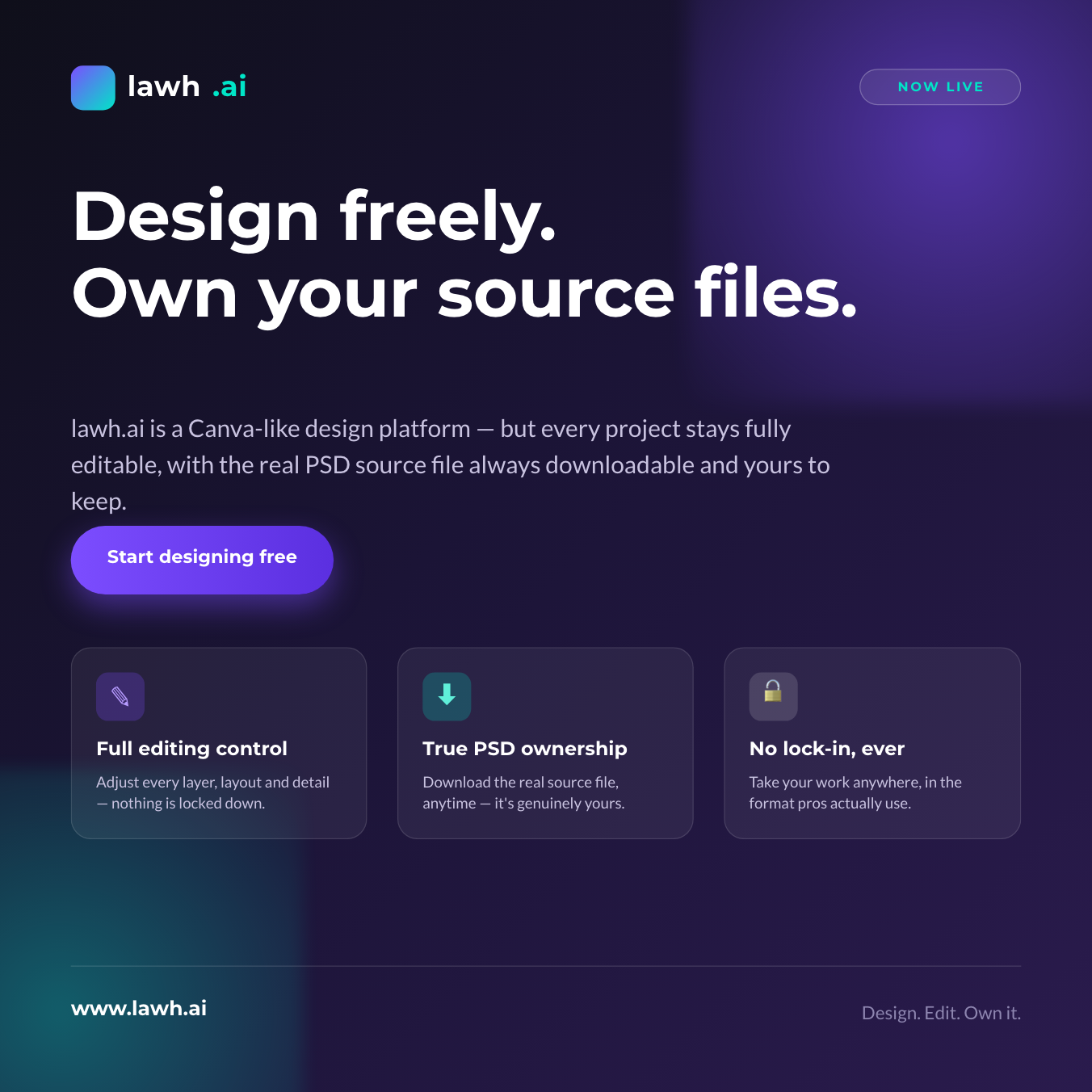
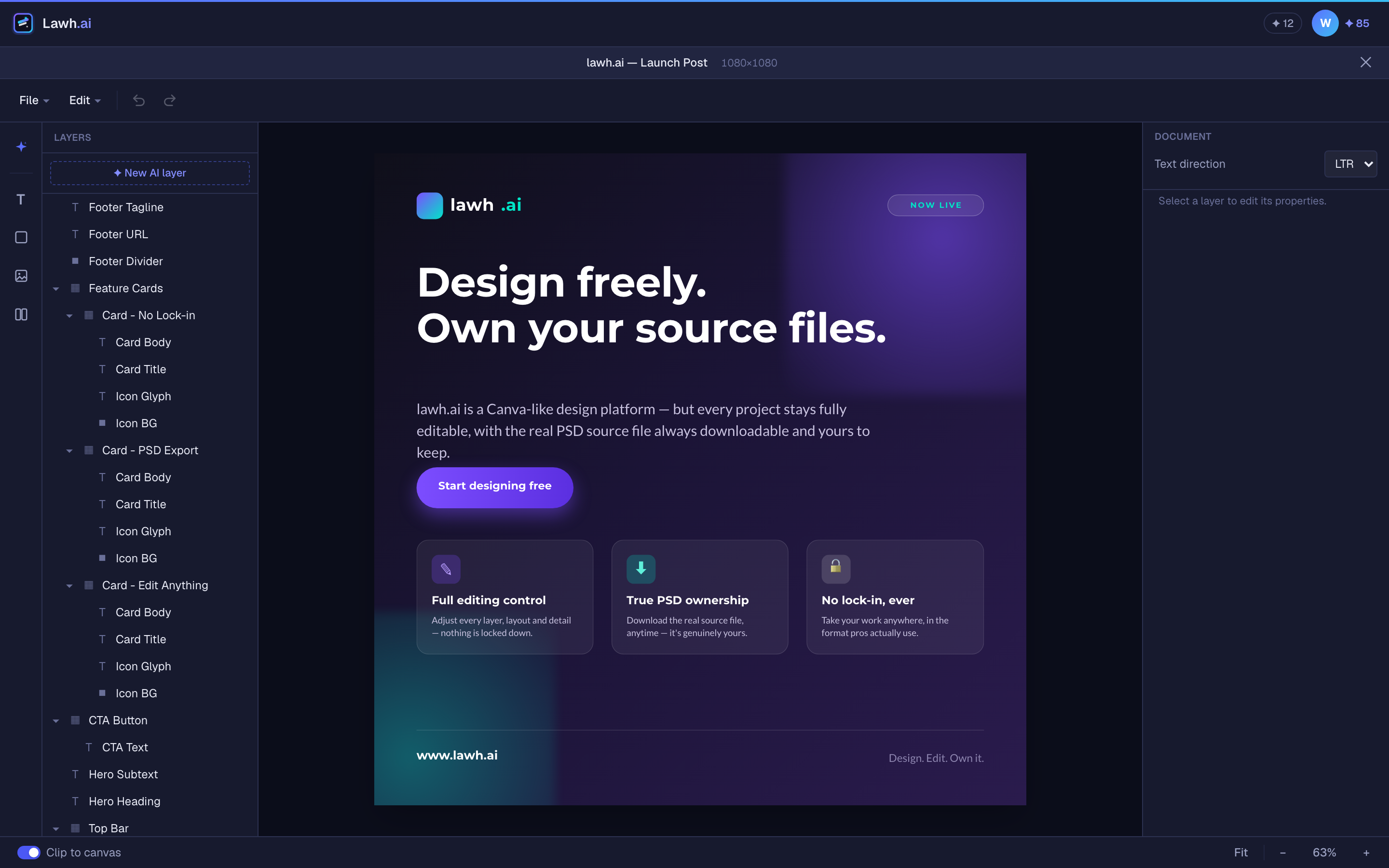
What comes back is a real document. Every headline, shape, and photo is its own named layer with real coordinates — nothing is baked into an image you can never take apart again. Export a high-resolution PNG when you just need the picture, or keep the source.
- ✓ Every element its own named layer
- ✓ Groups, locking, and reordering
- ✓ High-resolution PNG export
Export a layered PSD for Photoshop — with live text
Download a Photoshop file where the layers are separate and the text is still text: retype a headline, change the tracking, swap a colour. Not a flat image wrapped in a .psd. There is an Illustrator (.ai) export in beta too, where shapes stay vector all the way to a billboard.
- ✓ Layered .psd with editable type
- ✓ Vector .ai export (beta)
- ✓ Fonts, tracking and colour intact
Turn a PNG or JPEG into editable layers
Upload a design that only exists as an image — an old flyer, a competitor's post, something a designer sent as a picture — and get it back as real layers. Objects are cut out onto their own layers, flat panels are redrawn as shapes you can recolour, and type that a font can reproduce is set as editable text. Open it in the editor or download it as a PSD.
- ✓ Objects cut out onto their own layers
- ✓ Panels redrawn as recolourable shapes
- ✓ Reproducible type becomes editable text
AI logo generator that makes logos, not small posters
Ask for a logo and you get a lockup: a mark drawn for that specific name, a wordmark you can retype in any font, and real clear space around it. The mark is its own layer, so you can recolour or replace it without regenerating the design — and Arabic names are set joined and unspaced, the way they are written.
- ✓ A mark drawn for the name
- ✓ Retype the wordmark in any font
- ✓ Arabic logos set correctly
Infographics with real charts, not a poster with numbers on it
Ask for an infographic and the graphic carries the information: bar charts whose lengths are the data, proportion rows, step flows, timelines and comparisons — plus generated artwork to lead it. Figures you supply are used exactly as given, and figures you do not supply are never invented.
- ✓ Charts built to true proportions
- ✓ Generated illustration and icons
- ✓ Never invents your numbers
Business cards and business stationery
A business card is built as a printed object — a safe margin because cards are guillotined, and a type-size floor so nothing comes out too small to read. Letterheads, invoices and document templates keep the body of the page empty, because that space belongs to the letter somebody is going to type into it.
- ✓ Print-safe margins and type sizes
- ✓ Letterheads that leave room to write
- ✓ Contact details never invented
A real, layer-based editor in the browser
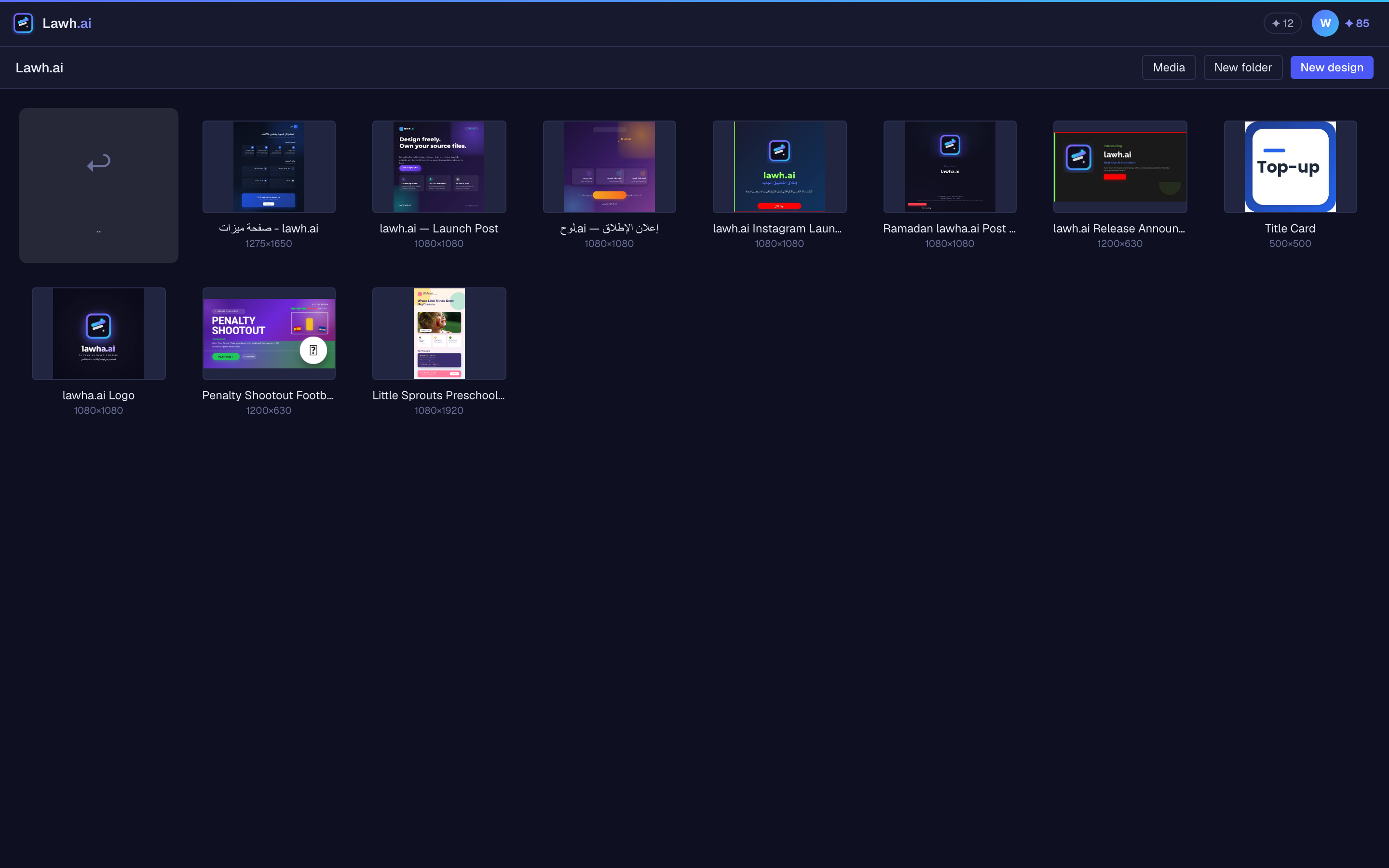
Nothing is flattened or locked. Double-click into a group, drag a layer, restyle it, mirror it, retype it — or select one thing and ask the AI to change only that. Full undo and redo, precise number inputs, smart guides, and autosave.
- ✓ Move, mirror, group and lock any layer
- ✓ Ask AI for edits to one layer
- ✓ Alignment, snapping, undo/redo
Bring your own logos, images and colours
Upload your logos, product shots, and brand images into your media library. The AI understands what it has been given and pulls the right one into a design instead of inventing something — and saved colour palettes steer every generation towards your brand.
- ✓ Media library with folders
- ✓ Saved colour palettes
- ✓ The AI picks the right asset
Arabic and right-to-left design, done properly
Arabic is not a translation layer bolted on afterwards. Letters are joined, layouts mirror to right-to-left, and the words stay as real editable text rather than a picture of Arabic that no one can correct. The whole interface is available in Arabic as well.
- ✓ Correctly joined Arabic type
- ✓ Mirrored RTL layouts
- ✓ Editable text, not flattened images
Design from a chat with Claude
Add Lawh.ai as a connector in Claude and ask for a design there. Claude writes the layout; Lawh measures the text, computes the positions, catches anything that would overlap or clip, and saves a real layered file to your account. Designs made this way don’t use your Lawh AI credits.
- ✓ One-click connect, no API key
- ✓ Designs land in your account
- ✓ Doesn’t use your credits
Ask for it the way you'd ask a designer
Say what you need made and it is built to the rules that kind of work has — a logo gets clear space, a business card gets print margins, an infographic gets real charts.
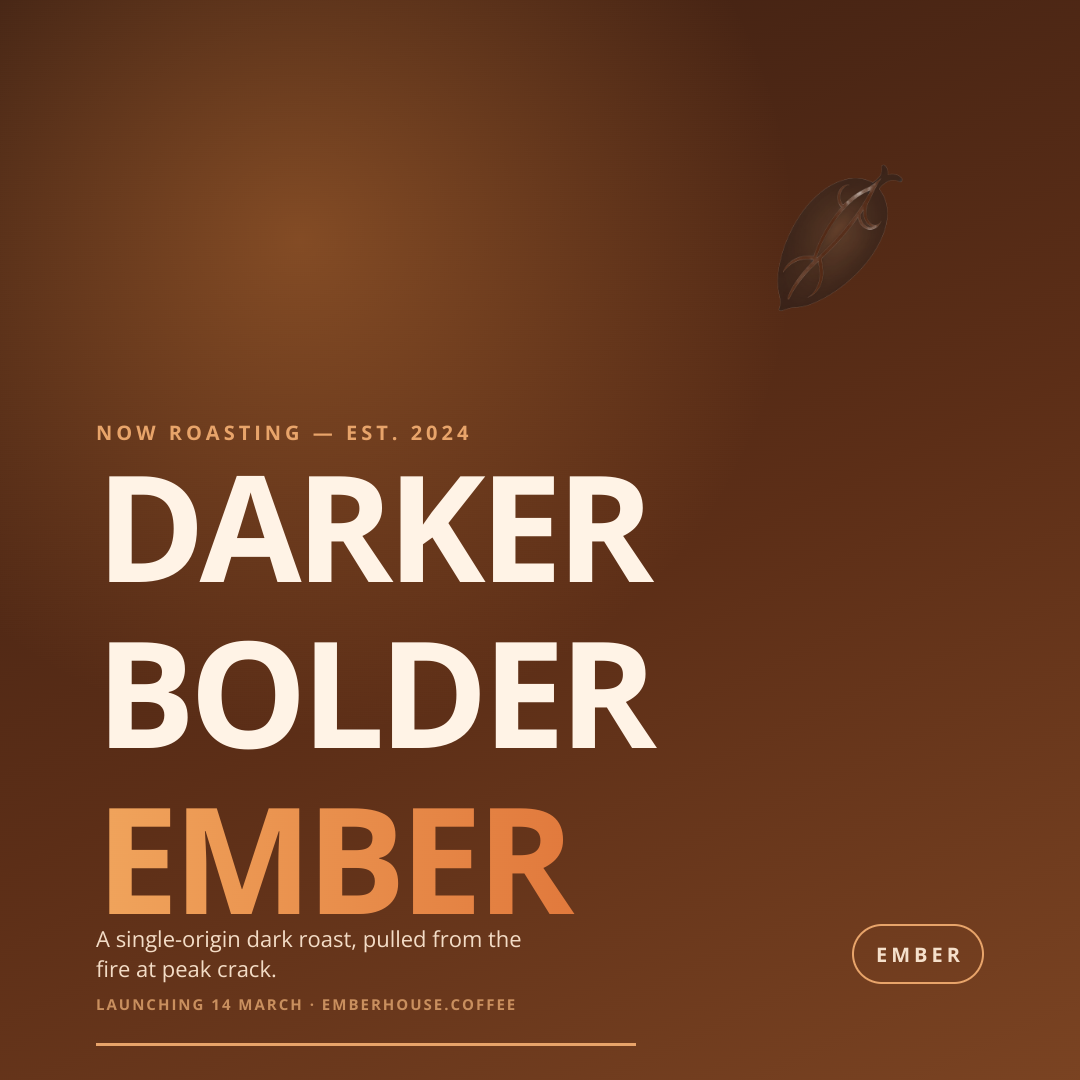
A design
Posters, social posts, banners, ads
e.g. “a bold launch poster for a coffee brand, warm tones, big headline, small logo bottom-right”
Start this →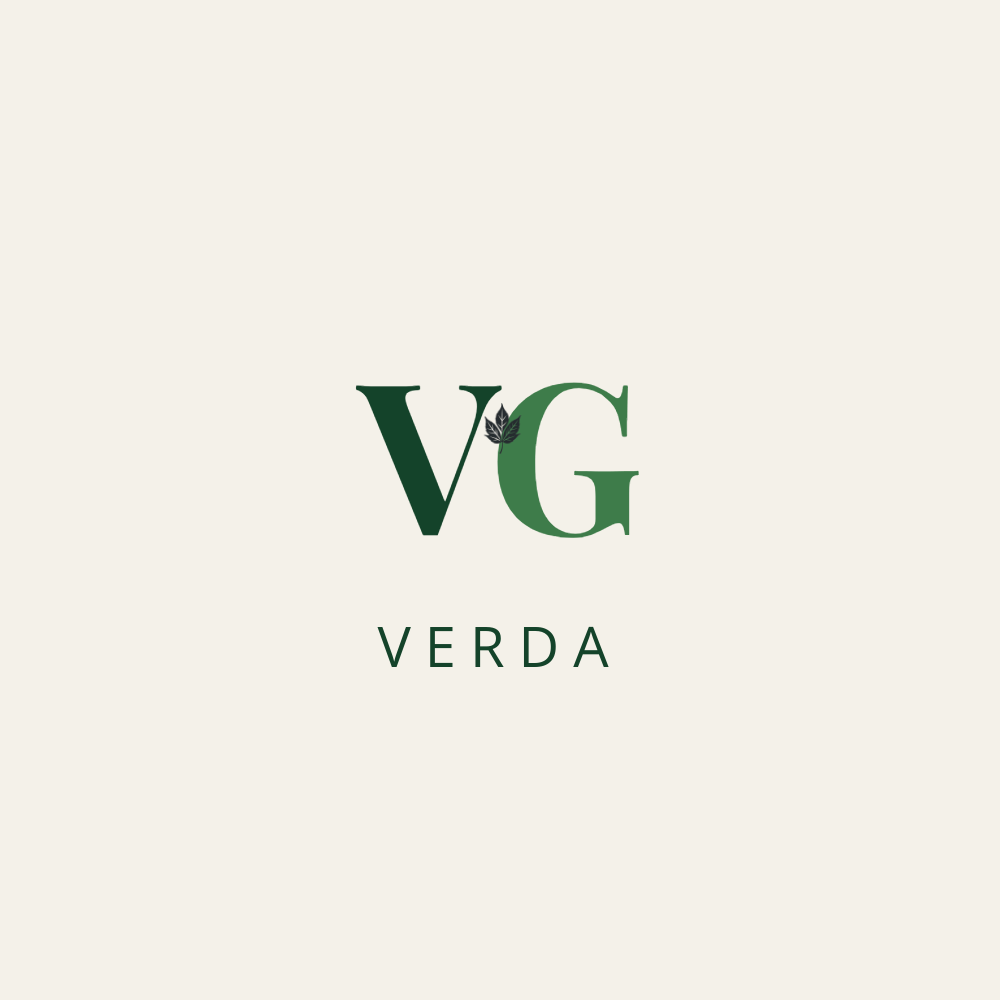
A logo
A mark and a wordmark, with clear space
e.g. “Verda, a plant nursery and garden studio — calm, botanical, deep green”
Start this →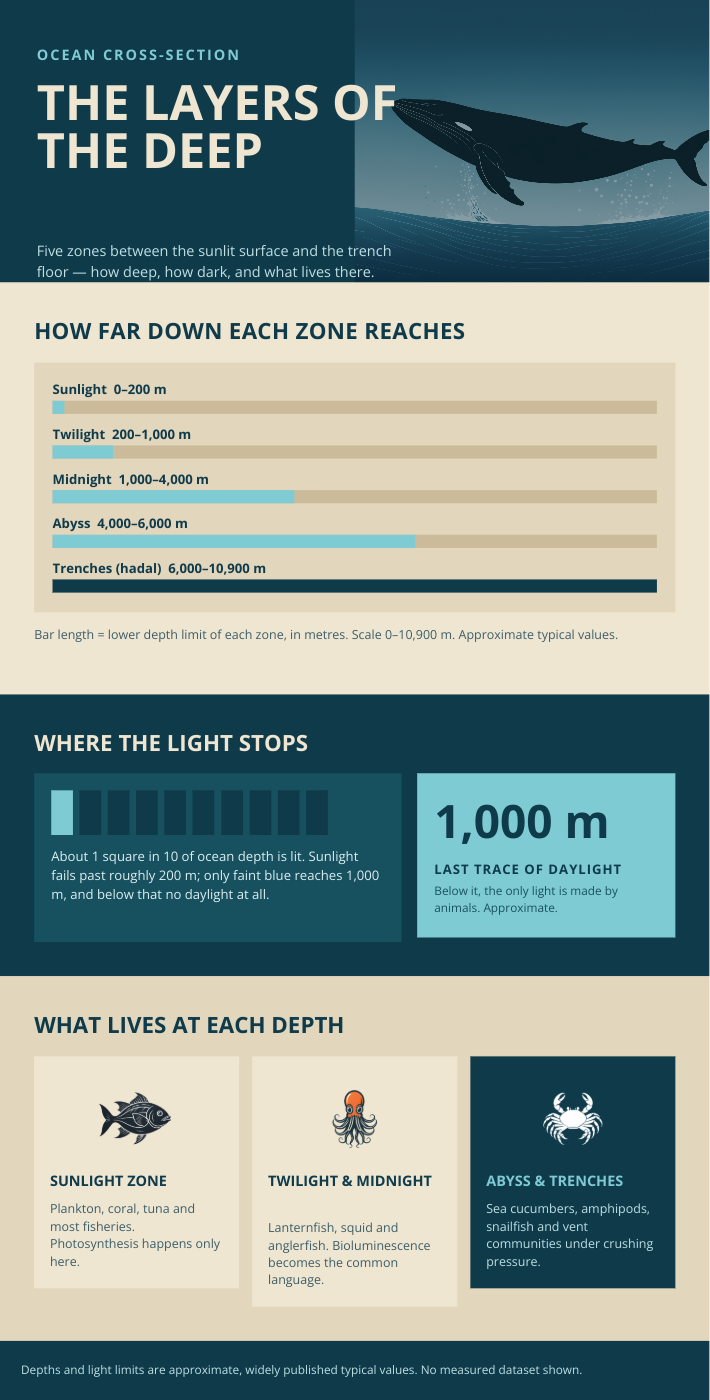
An infographic
Charts, steps, timelines — data made readable
e.g. “how our onboarding works, five steps, 12 min average, 94% completion — clean and corporate”
Start this →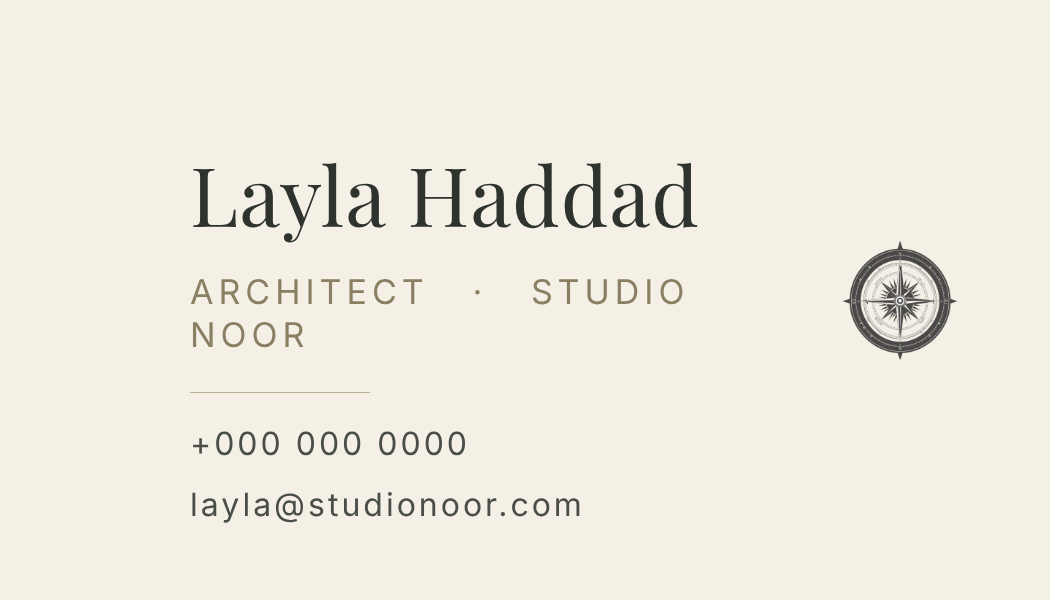
A business card
Print-ready, one side, real margins
e.g. “Layla Haddad, architect at Studio Noor — ivory, thin serif, phone and email only”
Start this →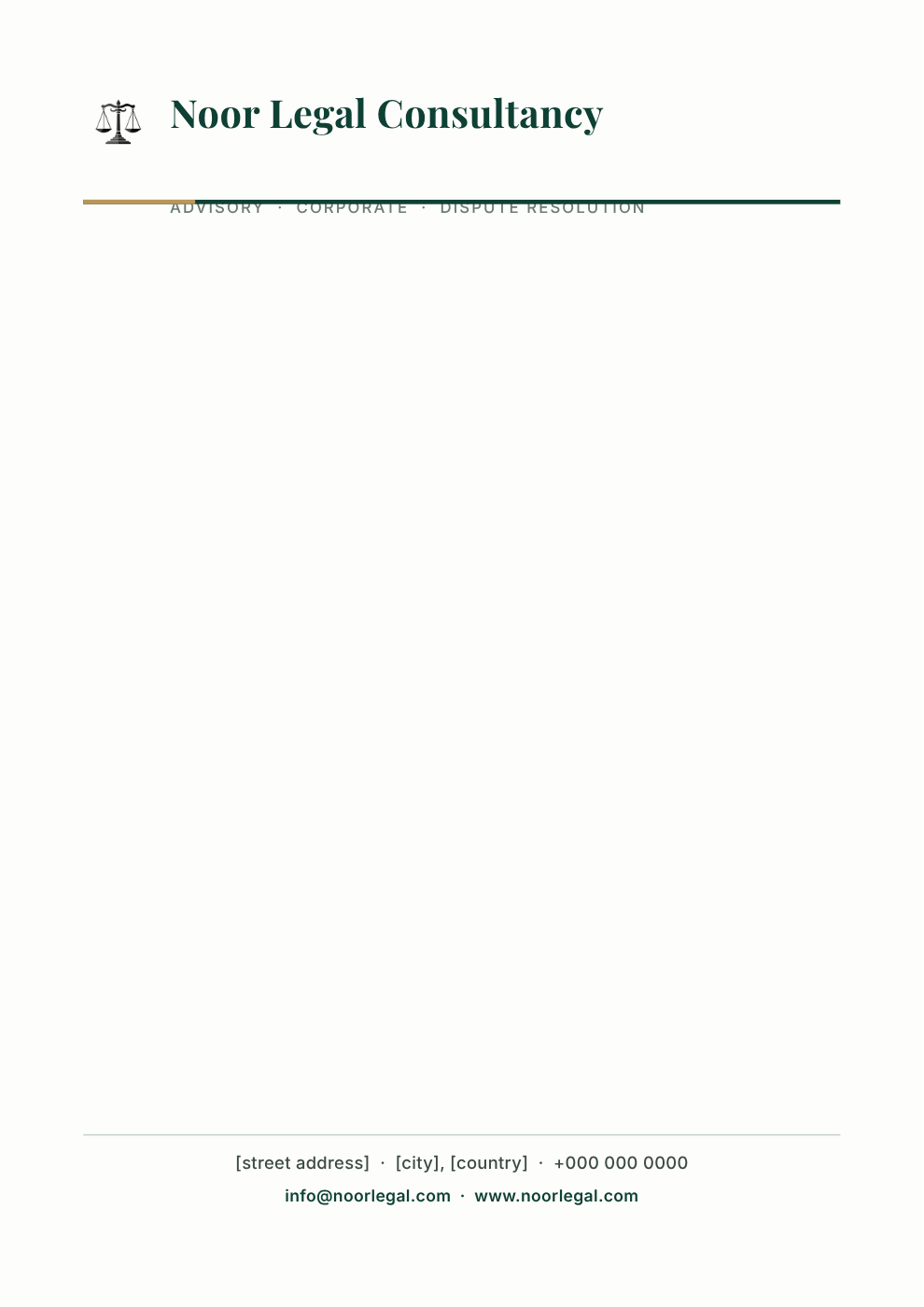
Business stationery
Letterhead, invoices, document headers and footers
e.g. “letterhead for Noor Legal Consultancy — deep green rule, address footer, room to type a letter”
Start this →An AI image generator gives you a picture. Lawh.ai gives you the source file.
Same prompt, same seconds of waiting — a completely different thing at the end of it.
Keep your tools. Add the AI.
Lawh.ai is not somewhere your work goes to get stuck. Every design leaves as a file the software you already use can open.
Frequently asked questions
Can I export an AI design as a layered PSD?+
Yes. Every design downloads as a Photoshop file (.psd) with each element on its own named layer and the text still live — you can retype a headline in Photoshop, not paint over it. There is also an Illustrator (.ai) export in beta where shapes stay vector.
How do I convert a PNG or JPEG into editable layers?+
Upload the image in the app and Lawh.ai takes it apart: objects are cut out onto their own layers, flat panels are redrawn as shapes you can recolour, and type that a font can reproduce comes back as editable text. It is in beta — flat designs come apart cleanly, photographs and heavy effects are harder.
Can Lawh.ai generate a logo?+
Yes, and it generates a logo rather than a small poster: a mark drawn for that specific name, a wordmark you can retype in any font, and real clear space around the lockup. The mark arrives as its own layer, so you can swap or recolour it without regenerating anything else.
Does Lawh.ai support Arabic and right-to-left layouts?+
Arabic is first-class, not an afterthought. Letters are properly joined, the layout mirrors to right-to-left, and the words stay as real editable text — not an image of Arabic. The whole interface is available in Arabic too.
Can I edit the design after the AI generates it?+
That is the point. Open it in the browser editor and move, restyle, group, lock, or retype any layer by hand — or select one layer and ask the AI to change just that. Nothing is flattened and nothing is locked.
Can I use my own logo, fonts and brand images?+
Upload your logos and product shots to your media library and save your brand colours as a palette. The AI understands what it has been given and pulls the right asset into the design instead of inventing one.
Do I need Photoshop to use Lawh.ai?+
No. Everything runs in the browser — generating, editing, and exporting a finished PNG. Photoshop only matters if you want to carry the layered file into it, which you can.
Is Lawh.ai free to try?+
You can generate a design without signing up or entering a card. A free account keeps your designs and media library; paid plans add more AI credits and higher export limits.