
Slide graphics that do not look like the template everyone else used
Lawh makes the slides that carry a deck — the title, the section break, the one statistic you want people to remember — as editable designs rather than a shape dropped on a theme.

No sign-up to try · No credit card required
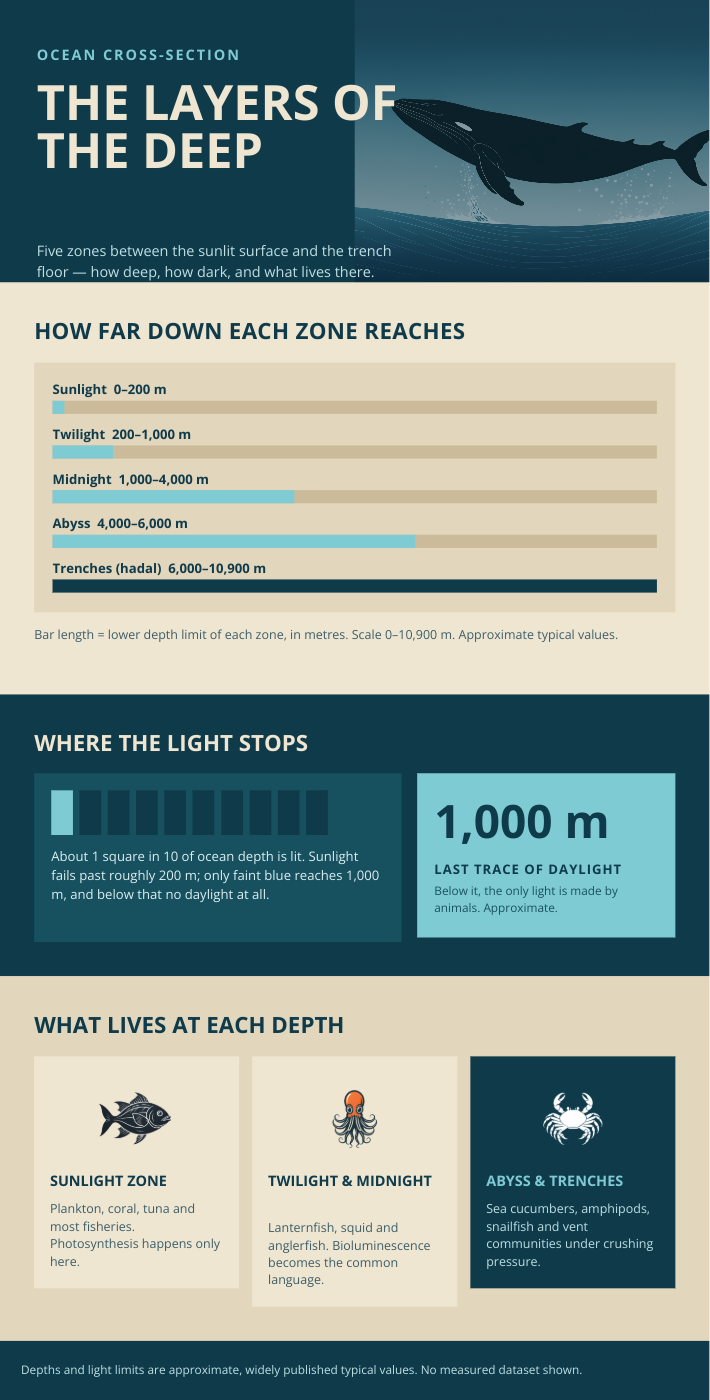
Generated by Lawh.ai — every element is a separate, editable layer.
The slides that matter
A title slide and a section divider do more for a deck than twenty body slides. Those are the ones worth designing, and the ones this makes.
Drops into any deck
Export a PNG at 1920×1080 and place it in PowerPoint, Keynote or Slides. Keep the layered file so next quarter's version is an edit.
Numbers drawn honestly
For a data slide, use the infographic commission: bars are drawn to true proportions and figures you did not supply are never invented.
Sizes people ask for
Any custom size works too — the layout is composed for the canvas, not stretched to it.
Frequently asked questions
Does it make a whole deck?+
Not yet — it makes individual slides. The ones worth designing are the title, the dividers and the data slides, and those you can generate one at a time and drop into your deck.
What size should I use?+
1920×1080 for a modern 16:9 deck. Export a PNG at that size and it will fill the slide exactly.
Can it chart my numbers?+
Use the infographic commission for anything with data. Figures you supply are used exactly as given, and it will not invent ones you did not.